Morph Tester
A frame in your own colour, blended six ways.
React 🖌️ on kluFree on every server
Loading Morph Tester
A frame in your own colour, blended six ways.
React 🖌️ on kluFree on every server
A frame in your own colour, blended six ways.
React 🖌️ on kluFree on every server
The Frame Tester can colour a frame the way a morph would. Karuta doesn't publish how morphs blend, so Keqing offers six blend modes to hold up against the real thing. It's free on every server.
Interactive walkthrough · real colour-match suggestions, sample inputs and render times. Memory lasts only for this walkthrough; Discord can remember successful requests for 30 days. On a free server, itsdei adds 🖌️ manually.
Open the frame tester
Run klu <character>, turn to the edition you want and press 🖌️.
Type a frame and a colour
Put a six-digit hex colour after the frame name: Brass #FF0000. Use the full frame name or a supported alias.
Pick a blend mode
Choose one from the menu within a minute.
The result names the frame, its type and the colour with its mode, such as Keqing · bits · #FF0000 (multiply). Press Retry within one minute to open a new prompt, leaving the finished preview in place. Only the person who opened the tester can type into it, choose the blend or press Retry. You have a minute to enter a valid request and another minute to choose a blend. If the tester closes, Start again remains available for another minute.
On premium servers, you can compare up to ten frames with one colour and blend: Brass, Arcana, Raven #FF0000. See the Frame Tester for limits and skipped names.
A minute passes with no blend chosen, and the same message becomes:
The same frame and colour in every mode, next to Brass as it is:
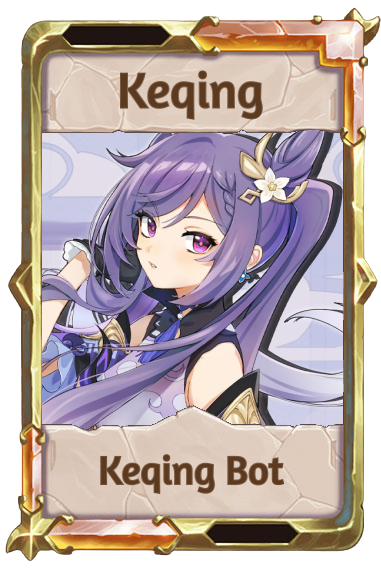 No morph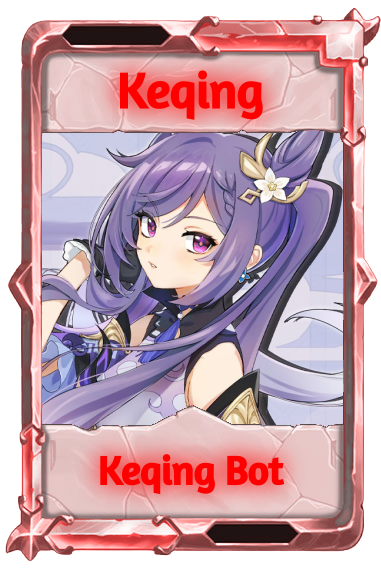
hue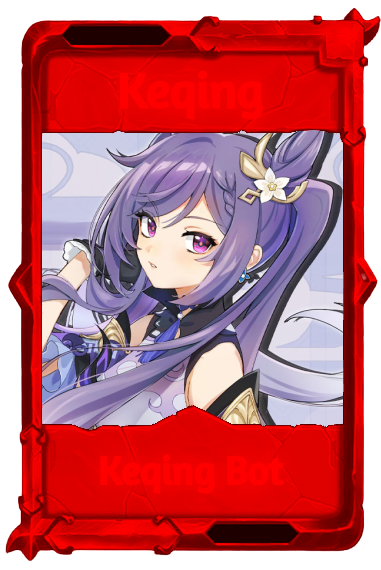
multiply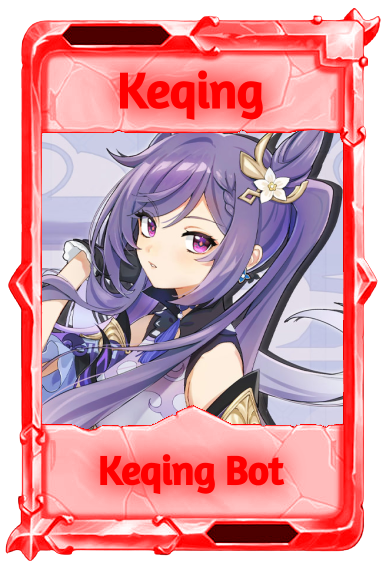
color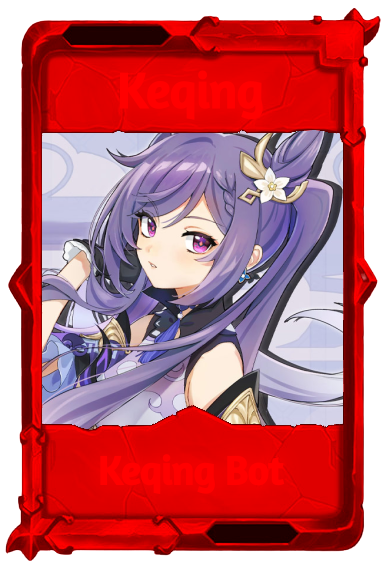
darken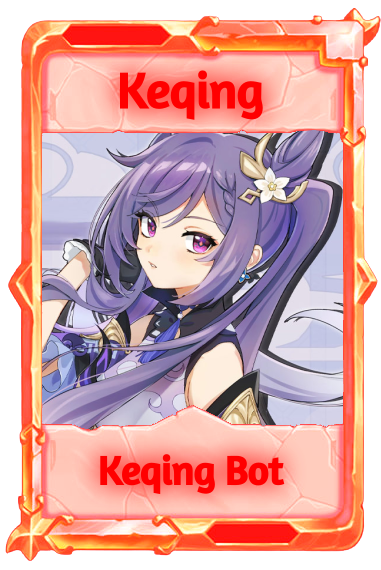
lighten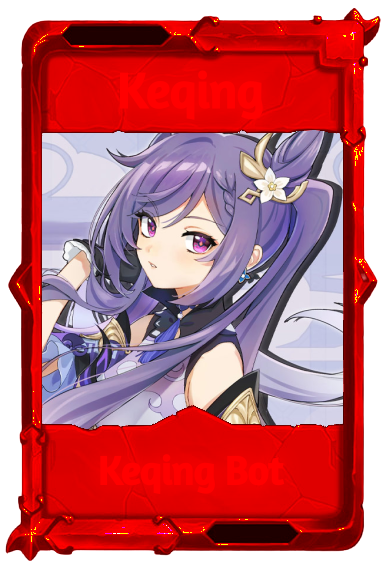
color-burnhue: Takes the colour's hue and keeps the frame's own shading and saturationmultiply: Multiplies the colour into the frame, so it only ever gets darkercolor: Takes the colour's hue and saturation, keeping the frame's light and dark. The default where a mode is optionaldarken: Keeps whichever is darker, the frame or the colour, pixel by pixellighten: Keeps whichever is lightercolor-burn: Darkens and deepens the frame toward the colour, with strong contrastA morphed frame is drawn as one tinted layer cut to the frame's shape, so any extra glow layers the frame has are left out. The character's name and the Keqing Bot label take the morph colour too. The preview is a guide to the colour, not a promise of Karuta's exact result.
Morph tests count toward Most Tested Frames like any other test of that frame.
On premium servers, three commands take a colour and a blend mode. Leave the mode out and they use color.
atestframes brass, budokai #FF0000 blend:multiply: #FF0000, hex:FF0000 or color=FF0000. Three digits work too: #F00agetframes bits hex:#FF0000 blend:multiply: hex:, six digits, the # optionalatopframes hex:#FF0000 blend:multiply: hex:, six digits, the # optional. Reply to a Character LookupA blend mode Keqing doesn't know is refused with the list of the six, and so is a colour it can't read. atestframes and atopframes refuse a non-default blend mode with no colour; blend:color alone is accepted. See the Multiframe Tester and Most Tested Frames for the rest of those commands.
#. Type Brass #FF0000aframesFrame testing follows the channel settings for the Frame Tester: switched off in a channel, none of this answers there.